Overview
codex app and cli are different ways to interact with openai models. codex app is a desktop application whereas codex cli is a program that runs in our terminal (iterm2, alacritty, ghostty, wezterm and so on)
but both programs write to ~/.codex and uses ~/.codex/config.toml for its configuration. I took advantage of that to set up and test the mcp servers i’ve installed, as most configuration done on codex cli will be reflected on the codex app since they share the same config file.
Setting up Codex App
im using homebrew to manage application installation, so in my terminal i run the following command:
https://formulae.brew.sh/cask/codex-app
brew install --cask codex-appuse spotlight to confirm the installation of the codex app!

on a side note, neither the codex or codex-app command worked on my terminal to launch the codex app. this is unlike how I could do it for zed with zed <workspace> or vs code with code <workspace>
Setting up Codex Cli
moving on, in the terminal run this command:
https://formulae.brew.sh/cask/codex
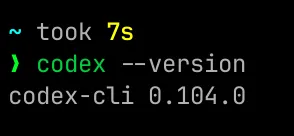
brew install --cask codexrun codex --version on your terminal to confirm codex cli is installed
Setting up MCP in codex cli
i prefer using codex-cli to setup mcp because most of the tutorials out there cater towards it and running a command is much easier compared to clicking through a few screens.
for instance, i’m following this tutorial by mastra: https://mastra.ai/docs/build-with-ai/mcp-docs-server#openai-codex-cli.
here’s the instructions it had
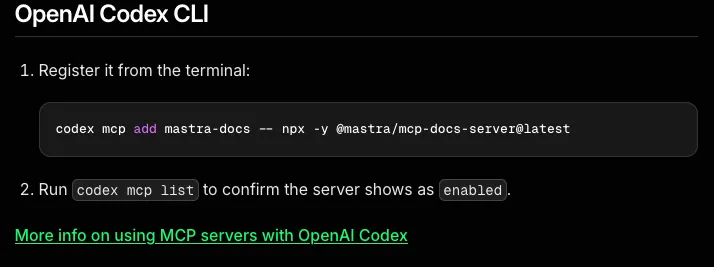
it was a simple two step process and here’s the results!
step 1

step 2

to ensure that it works, in my terminal I ran codex and asked it: “tell me about workflows in mastra using the mastra-docs mcp tool”
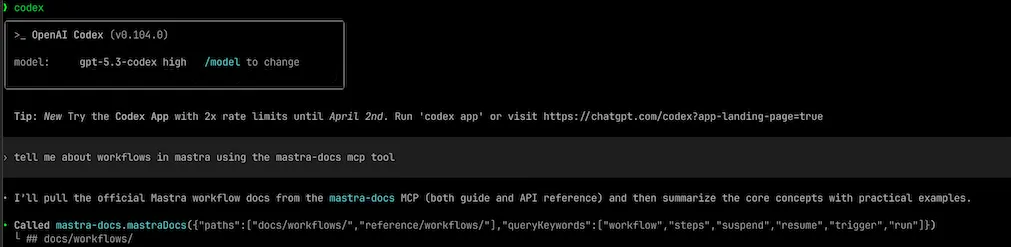
and it works!
Testing out MCP in codex app
moving on from the cli, i need to make sure what i did on the codex-cli works on the codex app.
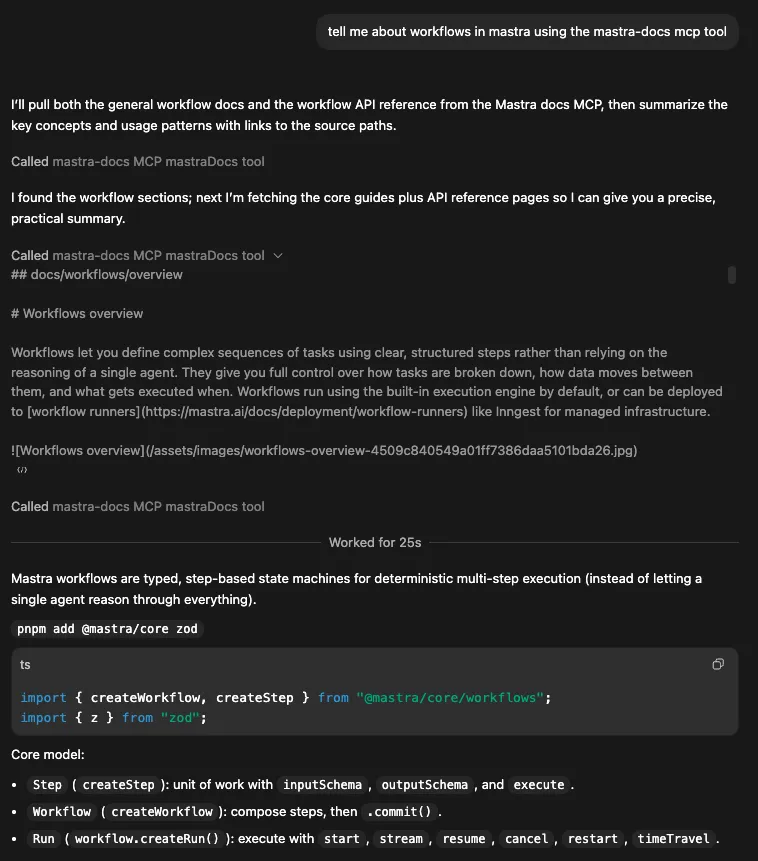
so i tried the same query: “tell me about workflows in mastra using the mastra-docs mcp tool” on the codex app
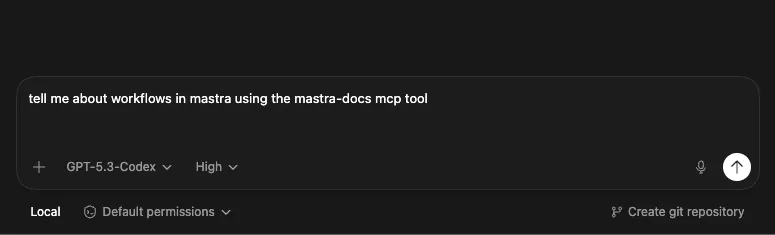
letting it work for a bit and it works! i know that because i see “Called mastra-docs MCP mastraDocs tool”
Checking MCP server on the Codex App
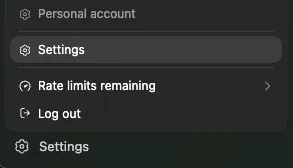
this is a reminder on how i find the mcp server configuration on the Codex app. on the left sidebar, head go the bottom and click on “Settings”, popup will appear and click on its “Settings”
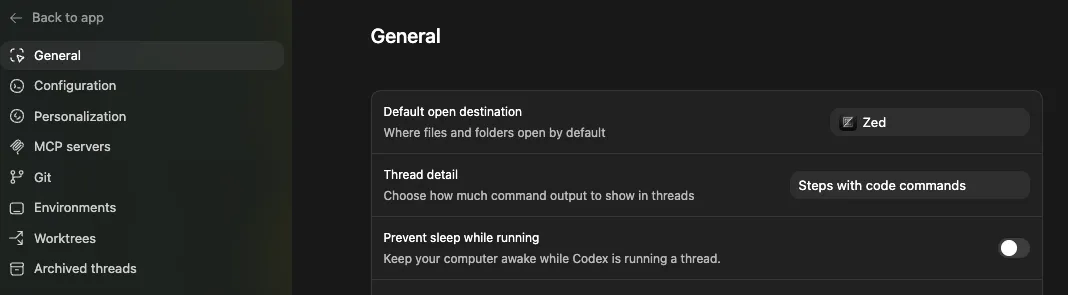
it brings me to the General page
 then click on MCP servers, it’ll display a list of mcp servers i’ve added from codex cli
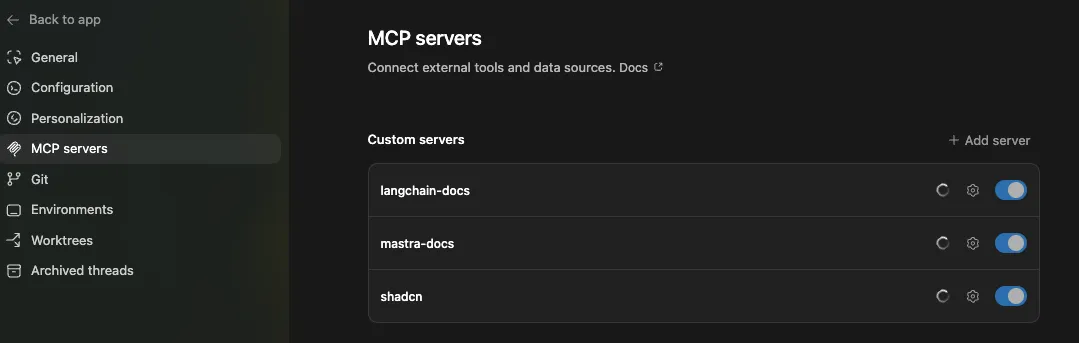
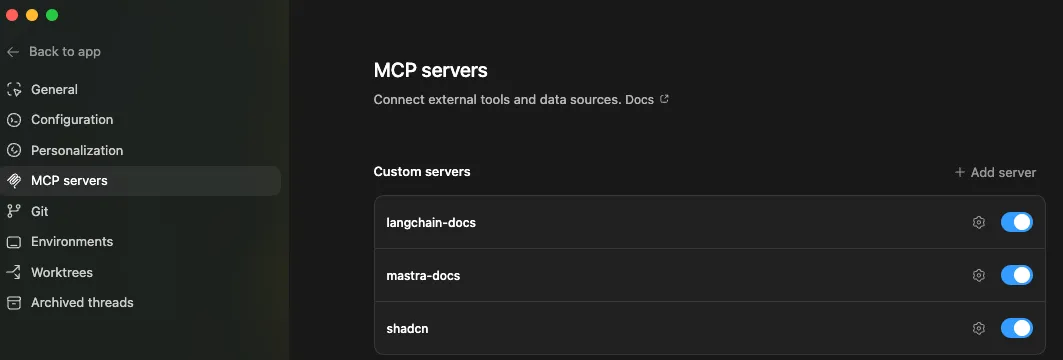
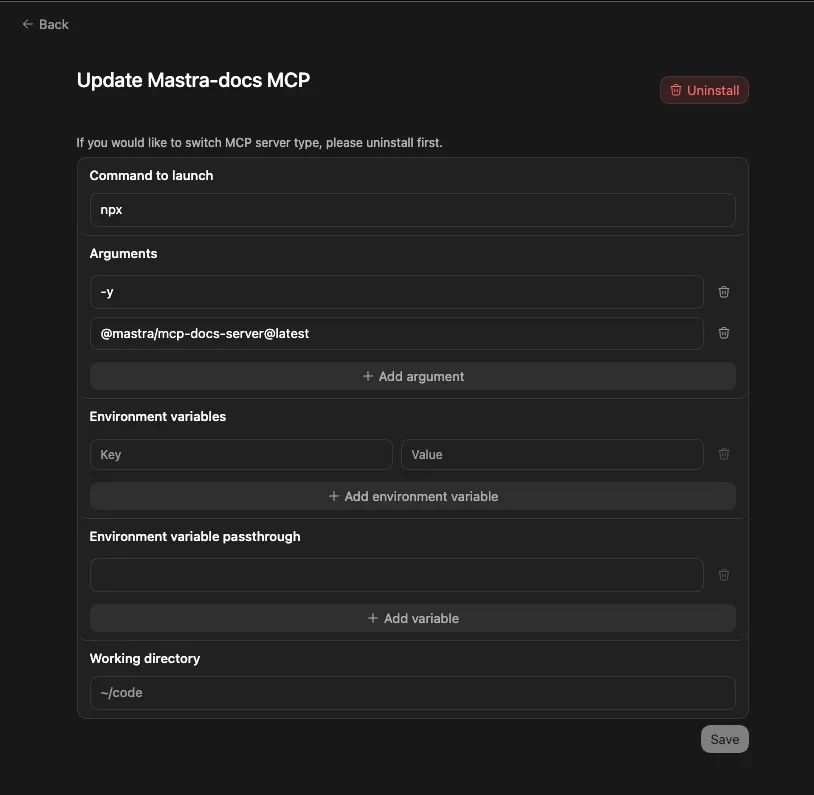
if i want to make any changes, click on the gear icon beside the mcp server. in this case, its the one behind mastra-docs. and it’ll display the following
conclusion
this is how i setup my codex app through codex cli. use the codex cli for a lot of the setup as most tutorials are geared towards it, but use the codex app to manage your workspace and interact with your project through the different threads!